Mastering Asana Inbox for Coaches & Consultants
Productivity, Asana, Coaches & Consultants
How to Actually Use the Asana Inbox (And Stop Missing Things That Matter)
As a coach or consultant, your time is split between clients, content, and your own business. The Asana Inbox can either be your quiet command center or a noisy distraction. In this guide, we’ll walk through how the Inbox works, how to use it intentionally, and how to build a simple routine so you stop missing important updates without living inside Asana.
You can either keep reading or watch the video:
How the Asana Inbox Actually Works
Think of the Asana Inbox as your notification hub, not a second email account. It gathers activity related to the work you’re involved in, so you can see what changed without hunting through projects and boards. For busy coaches and consultants, this means you get a focused view of what needs your attention across all clients and internal projects.
New assignments: Tasks assigned to you or where you’re added as a collaborator.
Comments & questions: Clients or team members replying on tasks you follow.
Due date changes & status updates: Shifts that might affect your schedule or promises to clients.
Importantly, the Inbox doesn’t replace your My Tasks view. My Tasks is for doing the work; the Inbox is for noticing what changed so you can decide what to do next. When you treat it as a decision center instead of a to-do list, it becomes far easier to manage.
A Simple Workflow: Read, Respond, Archive
The fastest way to tame your Asana Inbox is to use a consistent three-step flow for every notification: read, respond, archive. This mirrors how a strong email workflow works, but it’s even easier because every update is already tied to a task or project.
Read: Open a notification and quickly ask, “Do I need to do something, delegate something, or simply note this?” Don’t linger. You’re scanning for impact on your commitments, not rereading entire threads for fun.
Respond: If a decision, answer, or clarification is needed and you can handle it in under a few minutes, do it right away. Add a comment, adjust the due date, or reassign the task. If it requires deeper work, make sure the task is in My Tasks with a realistic due date or time blocked on your calendar.
Archive: Once you’ve responded or captured the work, click Archive. Archiving doesn’t delete anything; it simply clears the notification from your Inbox view. You can always access past updates later, but your current screen stays clean and focused.
For client-heavy businesses, this flow is gold. A client leaves feedback on a deliverable, you reply, adjust the task, and archive the notification. Nothing is left in limbo, and you’re not rereading the same update every time you open Asana.
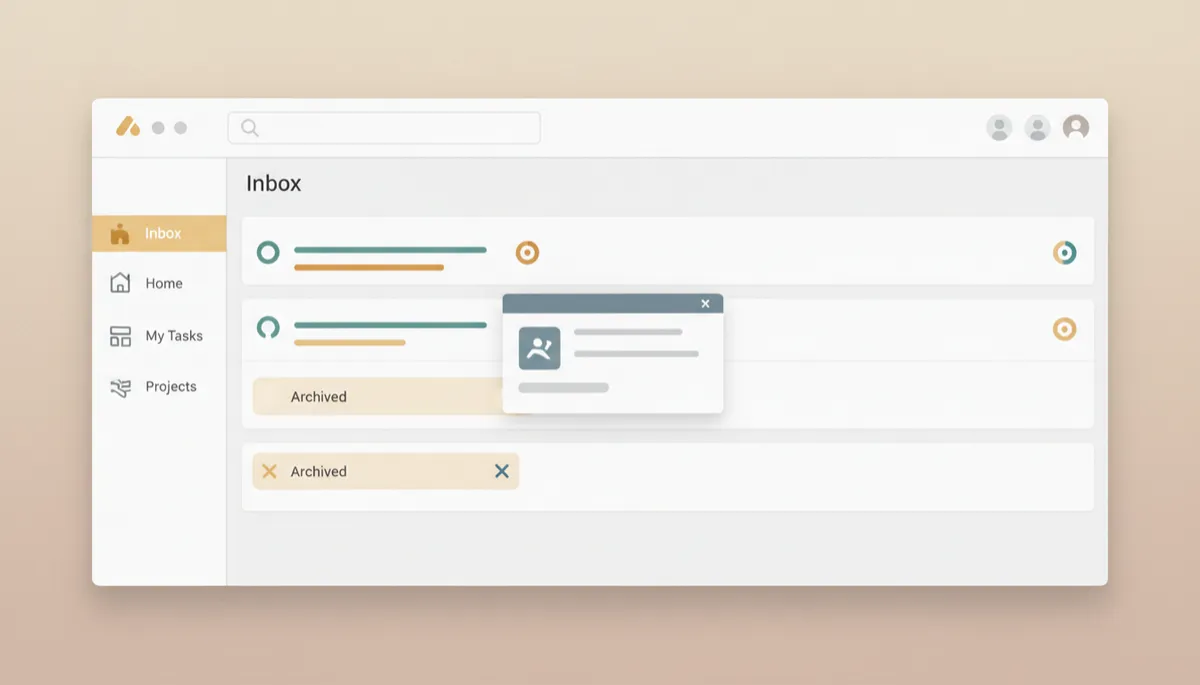
A read–respond–archive habit keeps your Inbox clear and decisions visible.
Dial In Your Notification Settings So You’re Not Overwhelmed
If your Asana Inbox feels chaotic, your notification settings are probably too broad. As a coach or consultant, you don’t need to see every tiny change on every task—only the ones that affect your promises, deliverables, or team decisions.
Start with account-level settings: In your Asana profile settings, review which types of updates you receive. Keep notifications for tasks assigned to you, mentions, and important status changes. Turn off “noise” like every single like or follower change.
Fine-tune by project: For client projects where you’re the lead, you may want more visibility. For internal admin or back-end work, you might only need updates when something is assigned directly to you. Adjust project notification rules so your Inbox reflects your role, not every possible event.
Use “Unfollow” strategically: If you’re being pulled into long comment threads that don’t require your input, unfollow the task. You can always rejoin later, but you’re signaling that your attention is reserved for where it truly matters.
💡 Pro Tip: After any big client onboarding or team restructure, spend five minutes revisiting your notification settings. Your role has shifted, and your Inbox should shift with it.
Building Inbox Reviews Into Your Daily Routine
A powerful tool only works if you actually use it. The easiest way to make the Asana Inbox work for you is to turn it into a short, scheduled ritual—not a tab you constantly refresh between client calls. This is where productivity really compounds for solopreneurs and small teams.
Morning scan (5–10 minutes): Before you dive into deep work or client sessions, open your Inbox. Run through notifications using the read–respond–archive flow. Update My Tasks and your calendar with anything that needs focused time today or later in the week.
Midday check-in (3–5 minutes): Between calls or after lunch, do a quick second pass. This catches new client questions or approvals that might let you move a project forward this afternoon.
End-of-day tidy (5 minutes): Before you shut down, clear out anything lingering. If a notification is still in your Inbox, either respond, schedule the related work, or consciously decide it doesn’t need your attention.
To make this habit stick, treat it like a meeting with your future self. Add “Inbox Review” as a recurring task in Asana itself, or block it on your calendar. The goal is to train your brain to trust that you will see what matters, so you can focus fully on coaching, consulting, and content in between reviews.
📌 Key Takeaway: If you’re using Asana with Your Business Name Here systems or templates, this is the perfect place to add a recurring “Inbox Review” task so your workflow and your tools stay in sync.
Why a Clean Inbox Means Better Task Management and Collaboration
For coaches and consultants, your reputation is built on reliability: doing what you said you’d do, when you said you’d do it. A clean Asana Inbox directly supports that promise. When you’re not wading through old, irrelevant notifications, you can immediately see:
Which client is waiting on a response or deliverable.
Which internal tasks are blocked and need your decision.
Where timelines have shifted so you can reset expectations before they become problems.
Clean Inboxes also make collaboration smoother. Your team or contractors know that if they tag you, you’ll see it during your next review. Clients feel cared for because their questions don’t disappear into a black hole. And you get to run your business with more calm, less scramble.
When you combine smart notification settings, a simple read–respond–archive workflow, and short daily review rituals, your Asana Inbox stops being another source of noise. Instead, it becomes a quiet, reliable dashboard that supports the way you coach, consult, and lead your business every day.