How to Create a Lead Tracker in Asana (Step-by-Step)
Every lead you forget to follow up with is money you basically hand to someone else. And the worst part is you usually don't even notice it happening. The person doesn't email you back to say you forgot about them. They just book with someone else, and you never hear about it.
If you're a solo business owner or an ADHD entrepreneur, this happens more than you'd think - not because you don't care, but because leads live in too many places. Someone DMs you on Instagram. Someone fills out your contact form. Someone mentions at a networking thing that they might want to work with you. Every one of those lives somewhere different, so the ones you forget just quietly disappear.
A lead tracker fixes that. Here's how to build one in Asana, step by step. It works whether you're on the free or paid plan.
Either keep reading or watch the video tutorial:
What a lead tracker actually is
A lead tracker is one spot where every potential client lives from the second they raise their hand until they either say yes or go cold. Instead of being scattered between emails and DMs, it's all in one place. And the tracker tells you who needs a follow-up instead of you trying to remember. It also gives you data on all your leads and the different paths they take.
Step 1: Create the project in board view
Head into Asana and create a new project from blank. Call it Leads Tracker. When you get the choice between list and board view, go with board - a lead moves through stages like a pipeline, and the board view lets you see those stages side by side and literally drag a person from one stage to the next.
Then build your sections. These are your stages. Here's the set I use for a general small business owner: Cold Lead, Warm Lead, Pitched, Stay in Touch, Discovery Call Booked, Converted to Client, Ghost, Not the Right Fit, Declined, Referred Out, and a section for Files.
Your business might need slightly different stages, and that's totally fine. Add, remove, or rename any of them to fit how you actually work. Copy the thinking, not necessarily my exact labels.
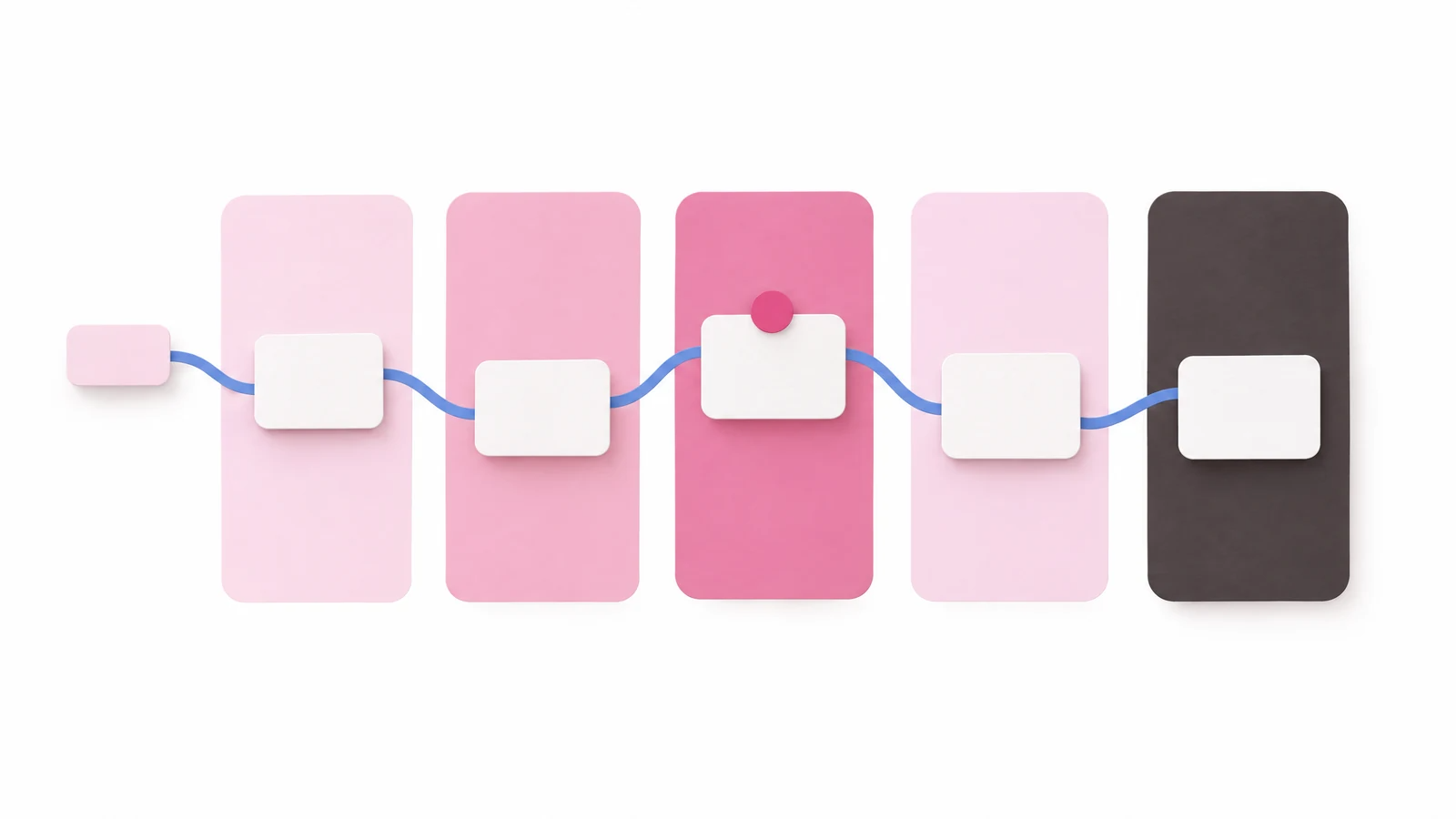
If you don't have time to build all of this out yourself - plus the other Asana projects your business needs - I put the exact lead tracker template, plus 17 more, inside Asana System Templates. They're the ones my clients and I use daily.
Step 2: Add a lead so future you has what you need
Say someone fills out your contact form - let's call her Jenna. She's a warm lead. Add her as a task, but don't just type "Jenna" and move on, because two weeks from now the word "Jenna" tells you basically nothing.
Open the task and write down what future you will need in the description. Where did she come from - contact form. What does she want - group coaching. What did she say - looking to start in the new year. If you're using Asana forms on a paid plan, this can auto-populate for you. On the free plan, just jot the notes yourself or paste your form link.
Add a way to contact her right in the task too - her email or where you're talking, so it's easy to grab and follow up right from Asana. And if she sent a message or file, attach it to the task. Everything about Jenna lives in Jenna's task. That's the whole idea.
Step 3: Let the tracker do your remembering

Now the part people skip: the due date. For a lead, the due date isn't a deadline. It's your follow-up date. You're telling Asana to remind you to check on Jenna on that day. Assign the task to yourself and set the date.
That's what makes the whole thing work. When you head to My Tasks, Jenna is sitting right there on the day you said you'd follow up. My Tasks is where every single thing assigned to you across Asana lands in one place, so you're not opening the tracker and hunting around. You don't have to remember that Jenna exists. Asana remembers for you. We store enough in our heads already.
Here's the flow. Jenna comes in as a warm lead. You email her back and move her to Stay in Touch. She goes quiet - that's normal - so you give her a new follow-up date. That Stay in Touch section only works if you actually follow up. Park people there and never look, and it turns into a graveyard of leads you lost.
But with a follow-up date, Asana pulls her back into your My Tasks and taps you on the shoulder. Hey, you never heard back from Jenna, want to send a nudge? That one nudge is the follow-up most people never send. It's the client other people lose. Half the time it's the message that gets the yes. Then you drag her to Discovery Call Booked or Converted to Client. And if she's a no or not the right fit, move her there. No hard feelings - you did everything right, and now you know.
GET THIS TEMPLATE AND MORE HERE