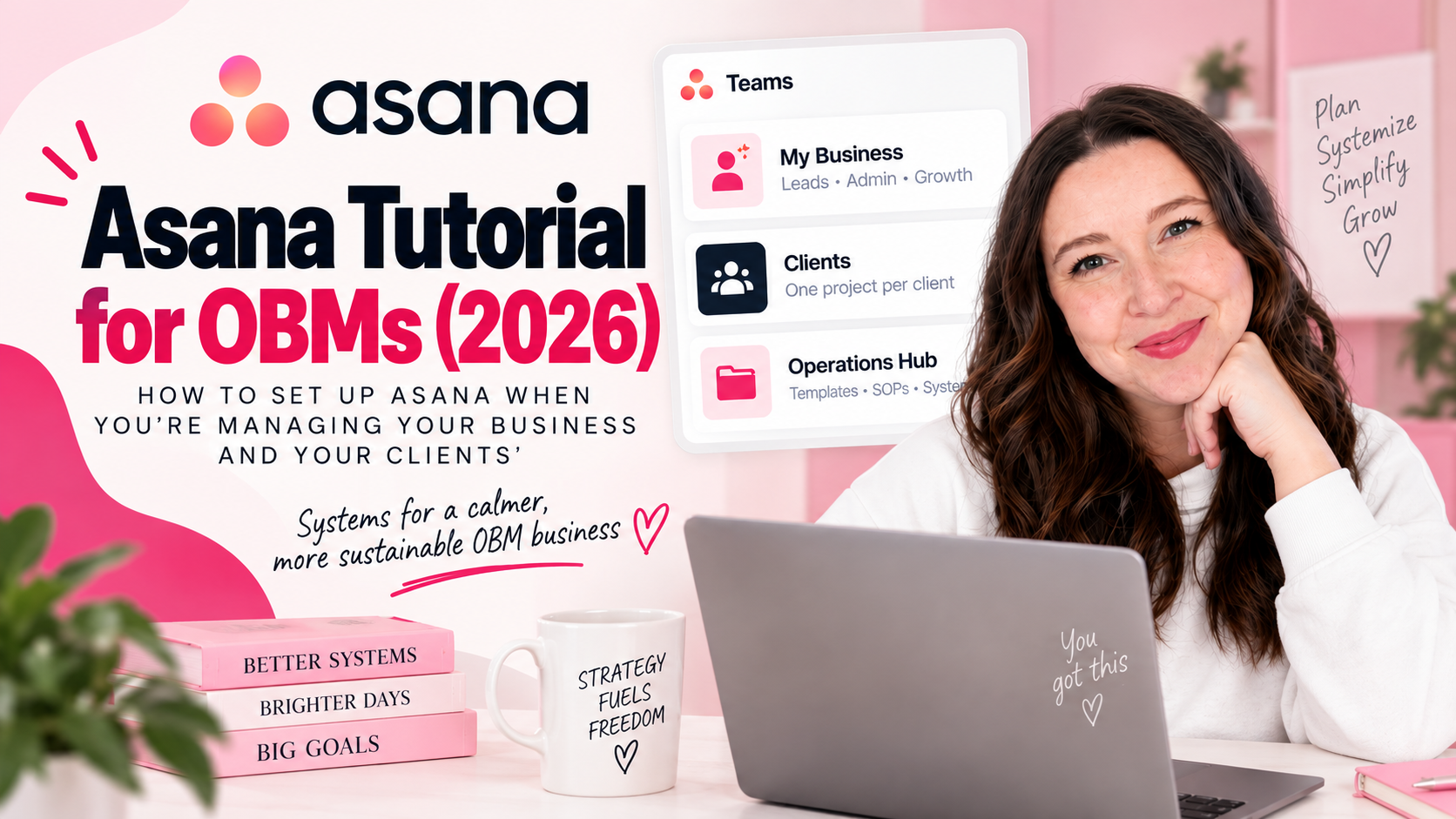
Asana Tutorial for OBMs (2026): How to Set Up Asana When You're Managing Your Business AND Your Clients'
The Setup Problem Every OBM Has
As an OBM, you need to see the whole picture so you can run the back end. And that means your Asana setup needs to account for two things at the same time: your business and the businesses you're managing.
Most OBMs end up with one of two problems: either everything is jammed into one account with no real structure, or they're constantly switching mental contexts trying to figure out what belongs where.
This tutorial covers exactly how to structure Asana for the OBM role — based on what I've seen work both as a former OBM myself and through supporting OBMs with their own setups.
Either keep reading or watch the video:
Step 1: The Three-Team Structure
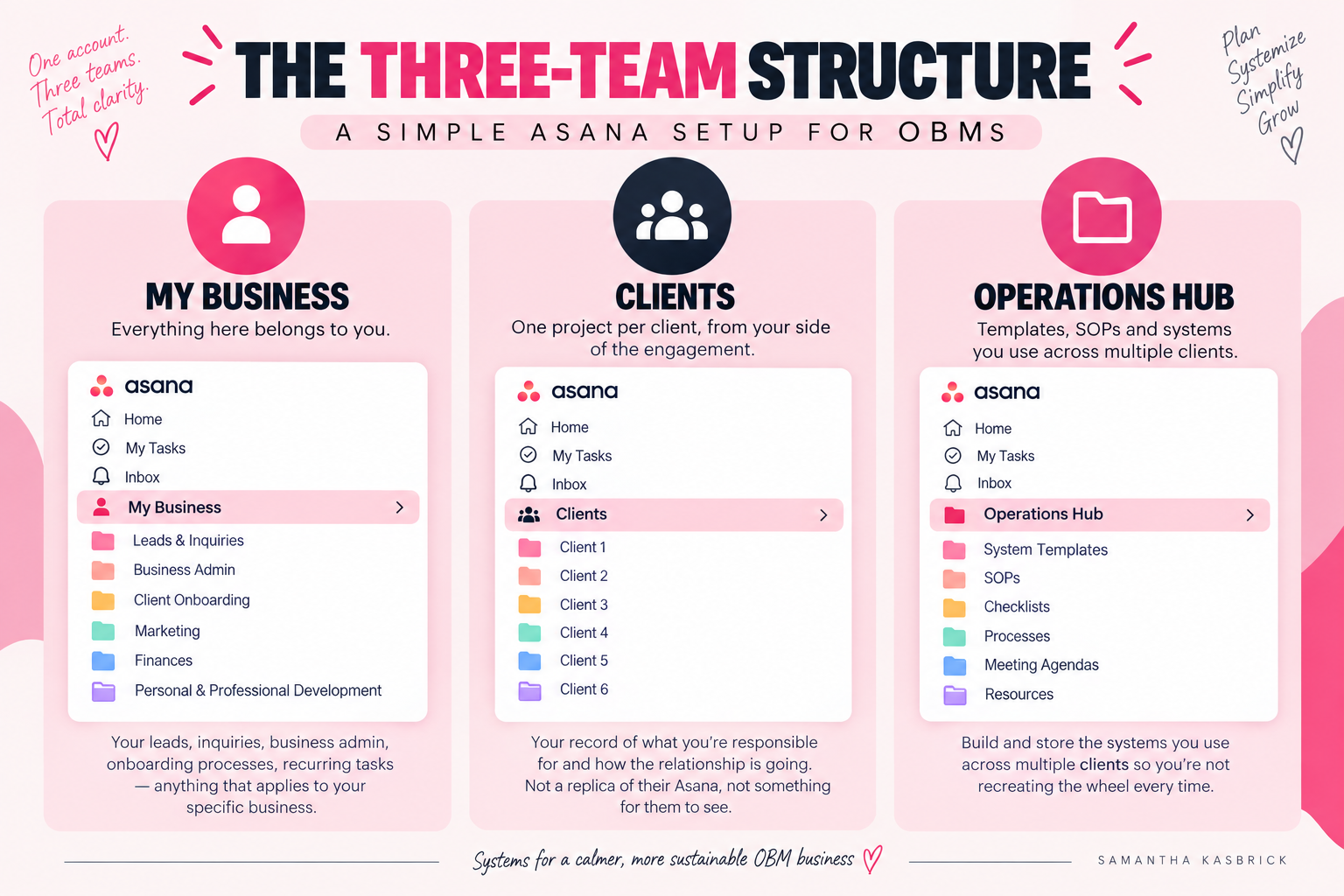
The foundation of your OBM Asana setup is three teams, each with a clear purpose.
My Business — Everything here belongs to you. Your leads, inquiries, business admin, onboarding processes for new clients, recurring business tasks — anything that applies to your specific business.
Clients — One project per client, from your side of the engagement. Not a replica of their Asana, not something for them to see — your record of what you're responsible for and how the relationship is going.
Operations Hub — Where you build and store the systems you use across multiple clients. This one is specific to OBMs and I'll explain it in detail below.
The key thing to understand is that you're working in two directions at once. Your Asana account needs to support both without bleeding into the other.
Step 2: Setting Up Client Projects
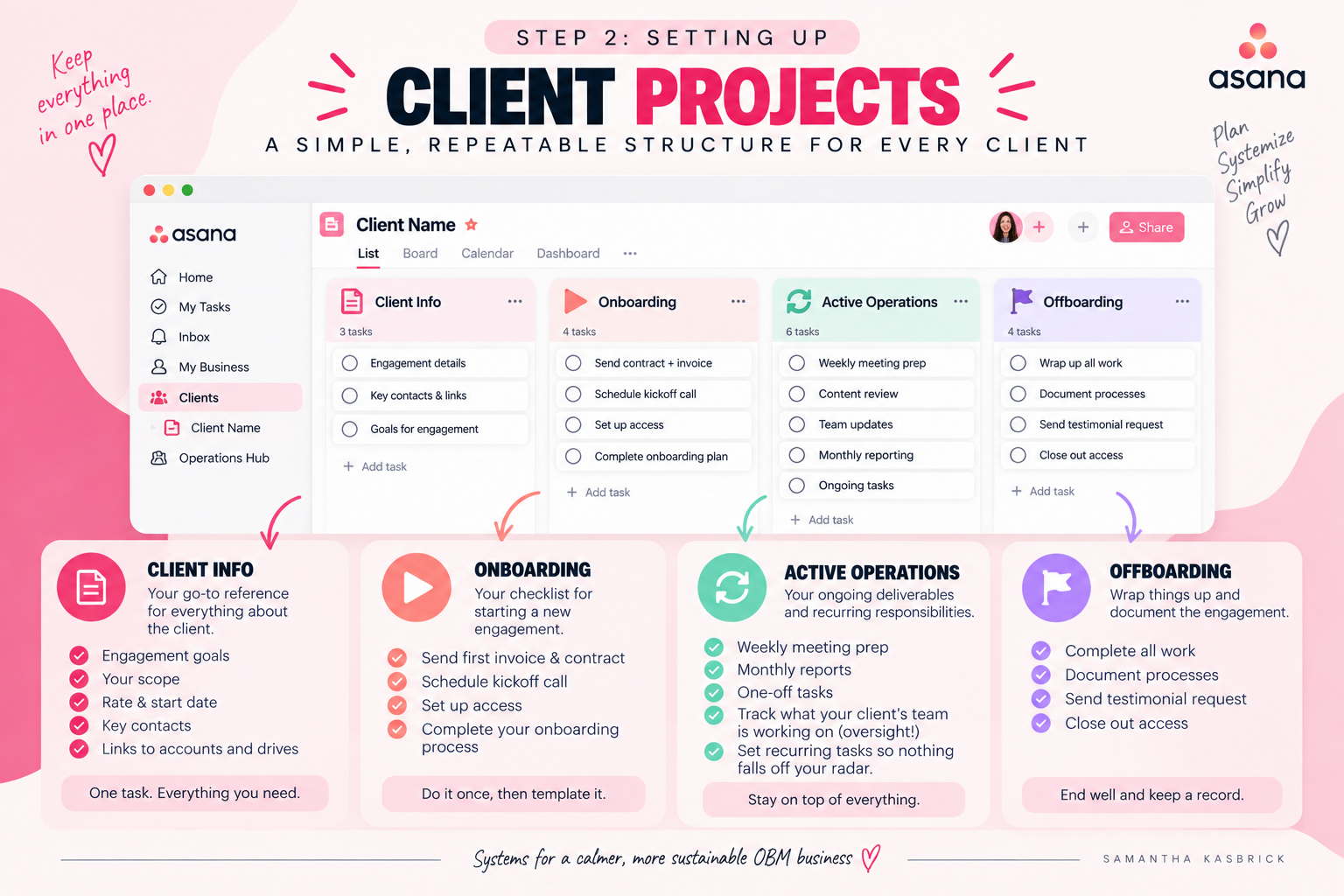
Inside your Clients team, each client gets their own project. Here are the sections I'd set up inside each one:
Client Info — One task that holds everything relevant to that client: their goals for the engagement, your scope, the rate you're charging them, start date, key contacts, links to their accounts and drives. This is your reference point every time you sit down to work on this client.
Onboarding — Your checklist for starting a new OBM engagement. Send first invoice and contract, schedule kickoff call, anything you regularly do when you take on a new client.
Active Operations — Your ongoing deliverables and recurring responsibilities for this client. Weekly meeting prep, monthly reports, any one-off tasks. Set the recurring ones up as recurring tasks so they never fall off your radar.
Something specific to OBM work: you're often not just doing the tasks, you're managing other people doing the tasks. Your client's VA, their team members, contractors they've hired — your job is oversight, not execution. Use task descriptions in this section to track the status of what they're working on, not just your own work. That way you can always reference it before checking in with them — especially useful when you have multiple clients and multiple things happening at once.
Offboarding — Wrap up all work and document, send testimonial request, anything that's part of your client exit process. Build this out once and template it for every engagement going forward.
Step 3: The Operations Hub
This is the part that's most specific to OBMs, and it's the one I find makes the biggest difference.
As an OBM, you're building systems — onboarding processes, team management frameworks, content workflows, launch processes. And if you're working with multiple clients, you're building versions of the same systems over and over again.
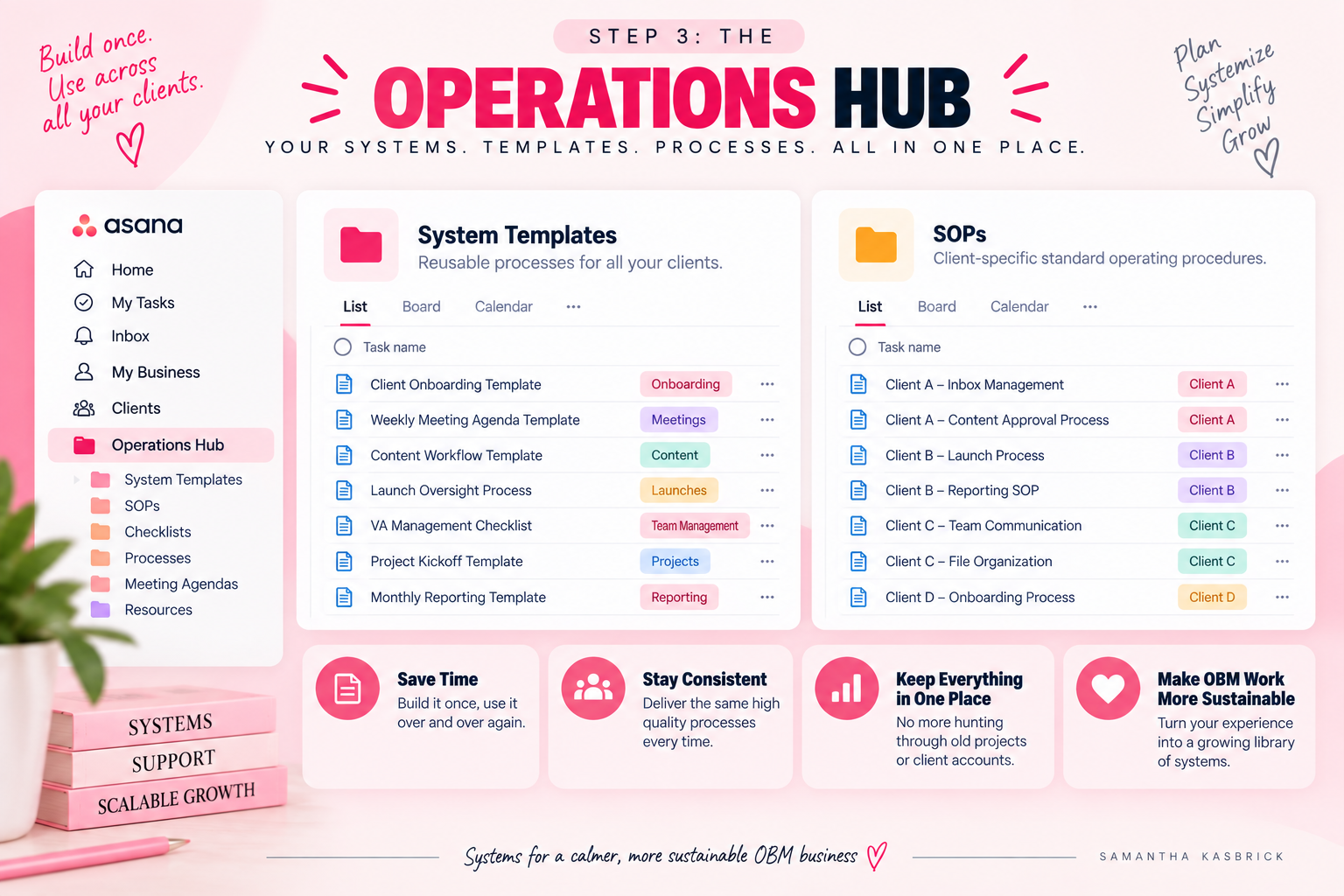
The Operations Hub is where you store the master versions. Two key projects inside it:
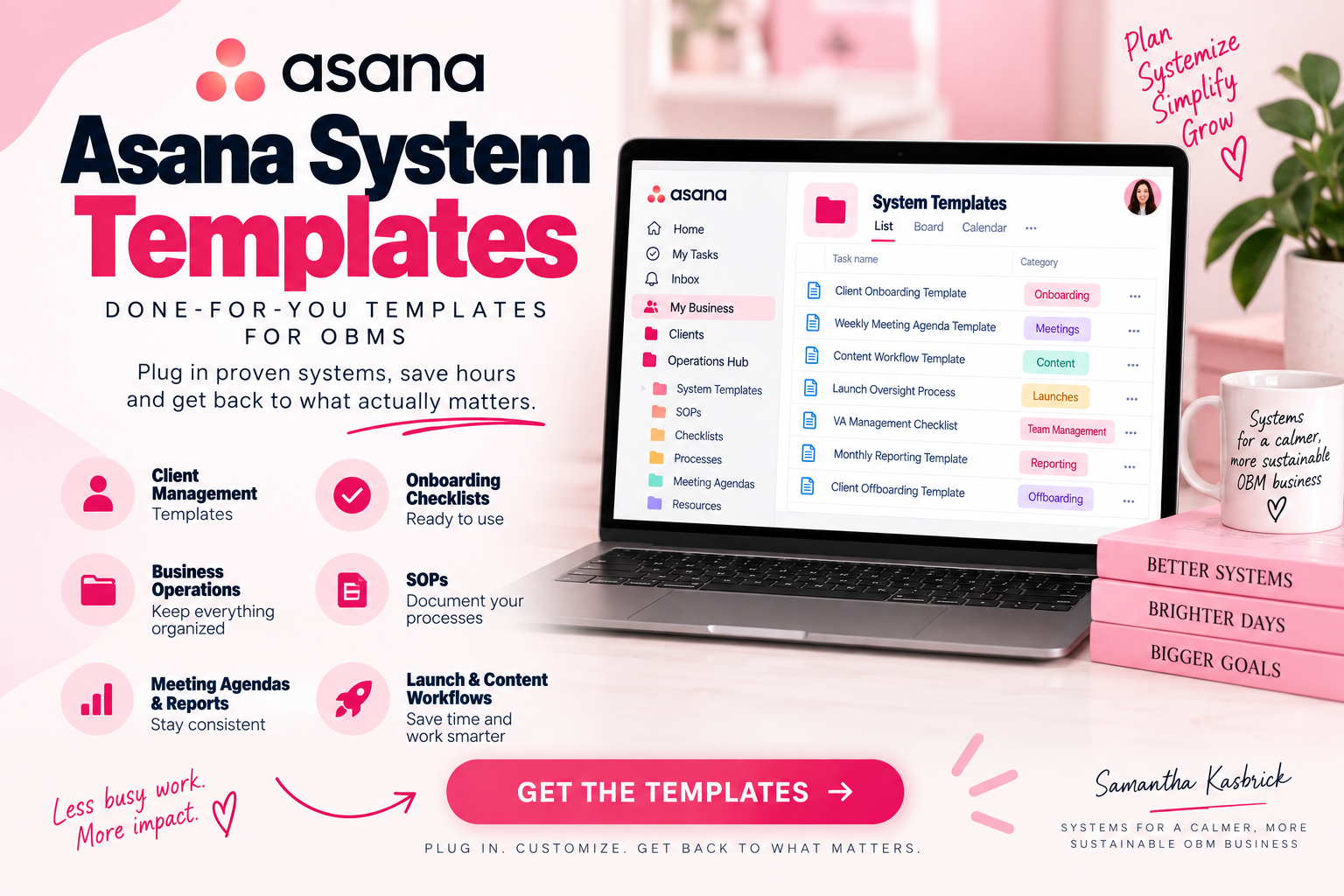
System Templates — Each task is a smaller process template: a client onboarding checklist, a weekly meeting agenda template, a launch oversight process, a content workflow, a VA management checklist. Inside each task, you can use the description for context and subtasks or bullet points for the process steps. When it comes time to use them, copy and paste into your client's workspace or wherever they're tracking their work.
SOPs — Client-specific standard operating procedures. If your client has a particular way they want their inbox managed or a specific approval process for content, it lives here so you don't have to remember it.
I highly recommend setting these up in your clients' accounts as well, if they have one — but keeping a copy in your own account secures it just in case. Clients can sometimes accidentally delete or lose things. Keeping a backup in your account, as long as you have permission, can save you a lot of time down the road.
The thing that makes OBM work sustainable is that you get better at it systematically — not just through experience, but because your systems capture what you've learned. The work you do for one client becomes an asset you can use for the next one.
The Made-For-You Option
If you want the templates that match exactly what I've described here, I have a product called Asana System Templates — done-for-you templates you can plug straight into your account. Client management templates, business hub templates, and more. Link in the description.
Get all my Asana templates here